

AI
Strengthen day-to-day communication with iCareManager’s secure internal messaging solution, designed for long-term care teams, IDD providers, assisted living communities, and human services agencies. Enable staff to stay connected with real-time messaging, tagging, and quick updates - all within a HIPAA-compliant communication system built to support better coordination and safer care delivery.


Secure Internal Messaging
Maintain protected, HIPAA-compliant communication across your organization with encrypted, staff-only messaging channels.

Quick Communication
Enable fast, efficient real-time messaging so teams can coordinate tasks, share updates, and respond without delays.

Enhanced Coordination
Improve teamwork with streamlined staff communication tools that keep everyone aligned and informed.

Timely Information Sharing
Deliver important updates instantly with quick tagging and internal message alerts, ensuring nothing is missed.

Improved Service Delivery
Support better care outcomes by enabling staff to communicate clearly, share context, and collaborate through a unified internal messaging solution.
Discover how our Internal Messaging Solution streamlines team communication with a simple, intuitive workflow built for long-term care, IDD, assisted living, and human services programs.
1
Create secure user profiles with customizable permissions, ensuring HIPAA-compliant internal communication across your organization.
2
Send and receive instant staff messages, individually or in groups, to coordinate tasks and share updates without delay.
3
Easily exchange documents, images, and essential files through encrypted internal messaging channels.
4
Receive real-time message alerts for new updates, urgent communication, or tagged conversations.
5
Automatically store and organize conversations, making it simple to retrieve past internal communication records when needed.
6
Stay connected anywhere with mobile-friendly access to all internal messaging tools, whether on-site or in the community.
Experience how iCareManager’s Internal Messaging Solution strengthens team communication with secure, real-time staff messaging, faster updates, and streamlined organizational communication across long-term care, IDD, assisted living, and human services programs. Book a personalized demo to see how iCM’s internal communication tools enhance coordination, reduce miscommunication, and keep your teams connected.
Book a Personalized Demo

Support stronger communication and smoother coordination with tools designed to keep your entire organization connected.
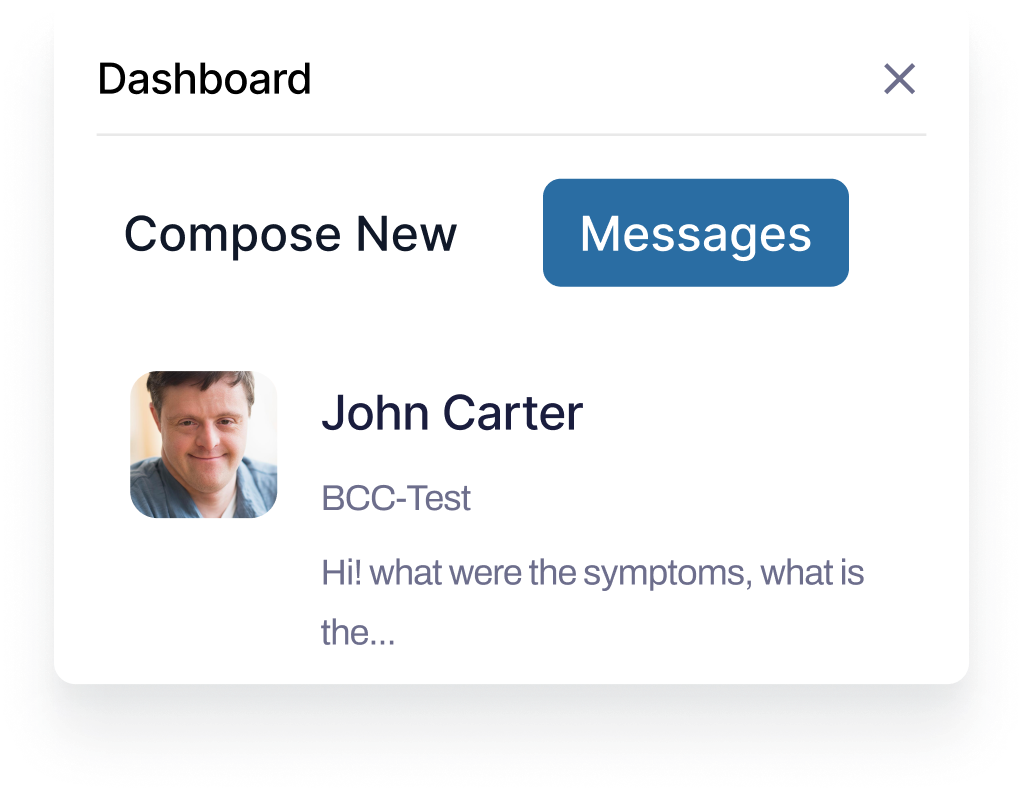
Support stronger communication and smoother coordination with tools designed to keep your entire organization connected.
.png)
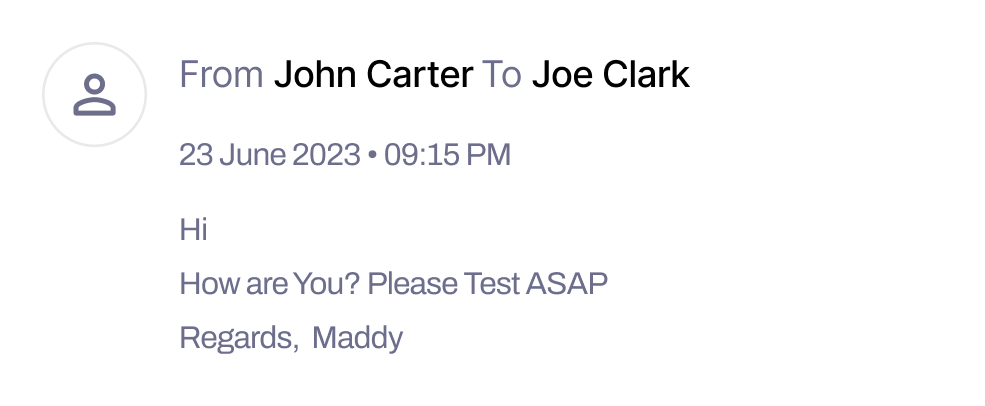
Equip staff with an intuitive team messaging solution that simplifies updates, enhances responsiveness, and keeps everyone aligned.


Streamline daily operations with centralized organizational communication tools, helping managers and direct support staff stay coordinated.
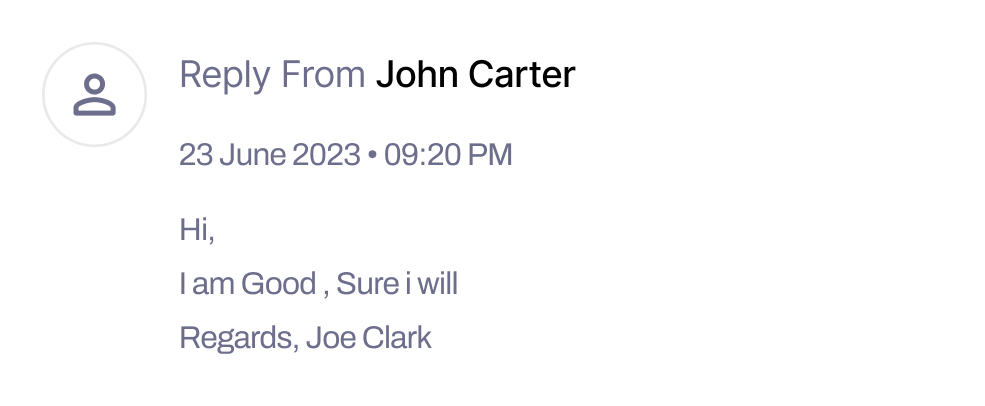
Improve care delivery with real-time staff messaging that enables quicker collaboration, timely interventions, and more consistent support.

Strengthen cross-shift and multi-site communication with a unified internal messaging system that keeps all team members connected and informed.
Discover more tools that work seamlessly with our Internal Messaging Solution to strengthen communication, coordination, and day-to-day operations.


FAQ
Find quick answers to the most common questions about iCM’s features, support, integrations, and more.


Comprehensive and Intuitive platform that streamlines your operations, enhances your service quality, and empowers both organizations and individuals to thrive.

888-426-4020

sales@icaremanager.com
© 2026 iCareManager, LLC. ALL Rights Reserved. Privacy Policy


